Adrian’s Status Report for 03/07/2026

The week before break, I focused primarily on finalizing the user interface architecture, the autonomous exploration algorithm, and the local navigation strategy.
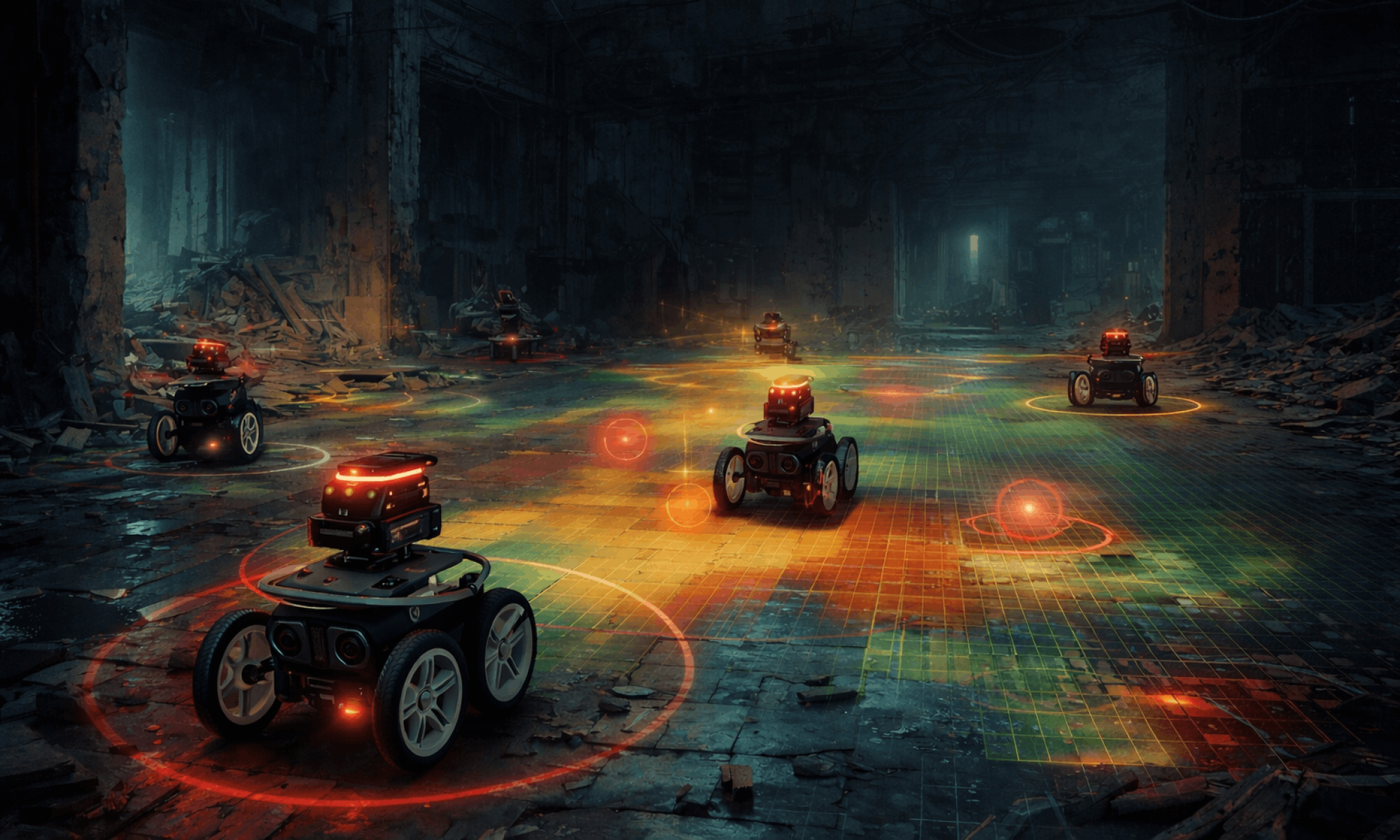
The UI centers around a dynamic 2D map display, where the operator’s position acts as the origin of the global coordinate system, and all robots are rendered relative to that frame. The interface will visualize robot positions, exploration coverage, and detected targets to provide a clear situational overview of the mission. The search coverage visualization will use a sparse occupancy grid heatmap, allowing the operator to immediately see which areas have been explored and which regions remain unknown. This visualization approach ensures that the operator can quickly assess search progress without requiring detailed SLAM maps.
Additionally, I deeply researched the frontier-based exploration strategy, which directs robots toward the boundaries between known free space and unexplored regions. This approach maximizes information gain and naturally distributes work across multiple robots. Frontier points will be detected from the occupancy grid and clustered into frontier regions, allowing the system to assign exploration targets to different robots while minimizing overlap in search paths.L. Lu, C. Redondo, and P. Campoy. “Optimal
frontier-based autonomous exploration in uncon-
structed environment using RGB-D sensor”. In: Sen-
sors 20.22 (Nov. 2020), p. 6507. url: https://www.
mdpi.com/1424-8220/20/22/6507.To support safe navigation during exploration, I finalized the design of the local obstacle avoidance system using the Vector Field Histogram (VFH) algorithm. While the frontier algorithm determines where robots should move globally, the VFH controller will handle real-time navigation decisions by utilizing LiDAR data. Obstacle measurements are converted into a polar histogram representing nearby obstacle density, which allows the robot to choose safe steering directions while still progressing toward its assigned frontier target. This layered approach enables robots to react to obstacles dynamically without needing to constantly recompute global paths.

Progress remains on schedule, and the next steps will involve implementing the 2D simulation test suite and integrating the autonomous exploration algorithm within the simulation environment. This phase will focus on validating the algorithm’s performance under various conditions to make sure the robot behaviors, such as frontier detection, obstacle avoidance, and coordinated exploration, operate as expected.

Part A: … with consideration of global factors. Global factors are world-wide contexts and factors, rather than only local ones. They do not necessarily represent geographic concerns. Global factors do not need to concern every single person in the entire world. Rather, these factors affect people outside of Pittsburgh, or those who are not in an academic environment, or those who are not technologically savvy, etc.

Our CatomBots system addresses global factors by prioritizing accessibility and affordability in disaster response technology. Search and rescue operations occur worldwide, often in regions where expensive robotic solutions are financially out of reach. By keeping the cost per bot under $200 using accessible, commercial off-the-shelf components, our design ensures that emergency response teams globally can deploy a scalable swarm to rapidly map hazardous environments and locate survivors. Furthermore, our intuitive, web-based UI is specifically designed to be easily operable by first responders who are not necessarily technologically savvy or from an academic background.

Adrian’s Status Report for 2/21/2026

This week, I translated the UI requirements and data schema outlined last week into a functional interactive prototype with the use of Cursor.

The four operator questions from last week drove every design decision:

1. Where exactly have we searched?
The “spheres” concept from last week became a 2D sparse occupancy grid overlaid as a color heatmap directly on the map canvas. The map is divided into 2m × 2m cells, and every time a bot passes through a cell its visit count increments. The heatmap shades from dark green (lightly visited) through yellow-green to amber (heavily covered), giving the operator an immediate sense of search thoroughness and gap areas without any SLAM computation. This is purely positional history — lightweight and fast exactly as intended.

2. Where do we suspect the target is?
The global map view centers on the operator’s position as the origin. All bots are rendered relative to that anchor with live position updates. Target detections appear as pulsing red markers directly on the map at their reported (x, y) coordinates. I also added proximity halos around each bot — a color gradient ring (red when far from any known target, shifting to green when nearby) that gives the operator an at-a-glance sense of which bots are closing in on a detection.

3. Are the bots healthy and coordinated?
Rather than a hover tooltip, I implemented a persistent fleet status sidebar that keeps all bot health data visible at all times without requiring interaction. Bots are grouped into named clusters (Alpha and Beta) in collapsible accordions. Each bot card shows its ID, status badge (Searching / Returning / STUCK? / Idle / Lost), a color-coded battery bar with percentage, its assigned role (Scout / Anchor / Line / Relay), and its live coordinates. If a bot enters a STUCK? state the card highlights in red and a blinking indicator appears. The cluster accordion header also shows average battery and flags the cluster immediately if any bot is stuck, so the operator can triage quickly.

4. What should be done next?
The target alert payload schema from last week is fully implemented. Each alert carries a map location (x, y), confidence score rendered as HIGH / MEDIUM / LOW with color coding, and a sensor rationale string (e.g. “RF/UWB reflection detected”). When the operator clicks a target marker on the map, a popover appears with the full payload — location, confidence meter, rationale, and timestamp — along with an ACKNOWLEDGE action to clear it from the active alert queue. Unacknowledged targets accumulate a badge count in the top bar, so nothing is missed even if the operator is focused elsewhere on the UI.


At the beginning of the mission, all 7 bots have just entered the search corridor, and the occupancy heatmap is starting to form as a small green cluster in the right portion of the map. The sidebar shows all bots are healthy at 70–83% battery. No targets have been detected yet, and the top bar target counter reads zero; the operator controls are fully available.

Few minutes later, the bots have covered over 800 cells and have triggered 9 unacknowledged target alerts. The operator has clicked a target marker on the map, opening the TARGET DETECTED popover. It displays a MEDIUM confidence score of 77%, the precise map coordinates (X: 58.4m, Y: 21.0m), the sensor rationale (“Audio Anomaly Detected”), and the timestamp of the detection. The operator can ACKNOWLEDGE to log and dismiss it or Dismiss to close without recording. This directly demonstrates the actionable intelligence payload defined in last week’s schema.

Later on, the heatmap has grown to cover the majority of both the base room and the search corridor, with warm amber tones indicating areas of dense revisitation and the characteristic green-to-amber gradient showing thoroughness at a glance. Nineteen target markers (all unacknowledged) are distributed across the map as pulsing red rings. Bot trail lines are visible as faint white streaks showing each bot’s recent path.

On the performance side, the simulator and rendering pipeline run at approximately 3 Hz (333 ms tick), sitting comfortably within the 1–5 Hz target refresh rate defined last week.

Progress is on schedule. The mockup and initial implementation milestones are both complete.

For next week, the priorities are to begin the process of replacing the mock simulator with a live WebSocket or ROS bridge to ingest real bot telemetry, implement the SET BOUNDARY geofence drawing tool on the map, and begin stress-testing the refresh pipeline with the actual number of bots and update frequency we expect from hardware.

Adrian’s Status Report for 02/14/2026

This week, I focused on formalizing the user interface requirements and metadata needed to support our refined use case as discussed in the team status report. I established four main questions that the UI must address for the operator in real-time:

1. Where exactly have we searched? Instead of using a complex SLAM map, the UI should render past positional data as “spheres,” which would create a lightweight visual history of where the bots have been. We use a 2D density heatmap that will overlay these trails to indicate search thoroughness in order to highlight gaps in coverage.

2. Where do we suspect the target is? The UI should only focus on the global view of the map with all the bots, which includes the operator’s position as the origin. This would provide immediate context for the operator to understand where the bots are relative to themselves.

3. Are the bots healthy and coordinated? The operator should hover over each bot and see its battery level, comms status, and cluster formation.

4. What should be done next? The target alert payload should likely include that map location (x, y), confidence score (0-1), and sensor rationale (e.g. RF/UWB reflection) to give the operator some actional intelligence rather than pure raw data.

I also thought highly of the data constraints and refresh rate the UI needs to satisfy to ensure smooth performance for the operator. The target UI refresh rate should be 1-5 Hz, which should be sufficient for our “dead reckoning” approach and reduce the computational overhead compared to the 30 FPS required for full visual SLAM, aligning with our low-cost and low-power constraints.

I have successfully translated our updated use case into specific UI requirements and potential data schemas. The design specifications are fairly detailed enough to begin designing the frontend mockups. For next week, I should be able to create a visual mockup of the dashboard layout/wireframe and start thinking further about the data schema that should be present to the operator for communication between the bots and the base station laptop.

Adrian’s Status Report for 02/07/2026

  1. What did you personally accomplish this week on the project? Give files or photos that demonstrate your progress. Prove to the reader that you put sufficient effort into the project over the course of the week (12+ hours).
    • I’ve started designing the solution approach for CatomBots search and rescue that focuses on multi-robot search, pathfinding, and cluster-based collaboration
    • Jotted down thoughts on annotated visualization for user interface:
      • Coverage heatmaps for global, cluster, and individual bot views to visualize exploration efficiency
      • Target confidence regions to show detection certainty and prioritize search areas
      • Robot clustering behavior to visualize how bots group and share tasks dynamically
    • Defined some UI requirements and performance targets for global/cluster/robot views, latency, FPS, etc. Those metrics will guide both frontend design and backend data handling
  2. Is your progress on schedule or behind? If you are behind, what actions will be taken to catch up to the project schedule?
    • Currently, I am on schedule.  I plan to continue refining the UI structure and system logic over the coming days. By the end of next week, I expect to have the core UI concepts and layout solidified, ensuring that the team can begin implementation without delays.
  3. What deliverables do you hope to complete in the next week?
    • Translate UI requirements into a concrete frontend mock or data schema
    • Formalize cluster formation and task allocation logic, including defining how robots will decide when to form or dissolve clusters based on mission context and sensor data