Corin’s Status Report for 11/22

Accomplishments

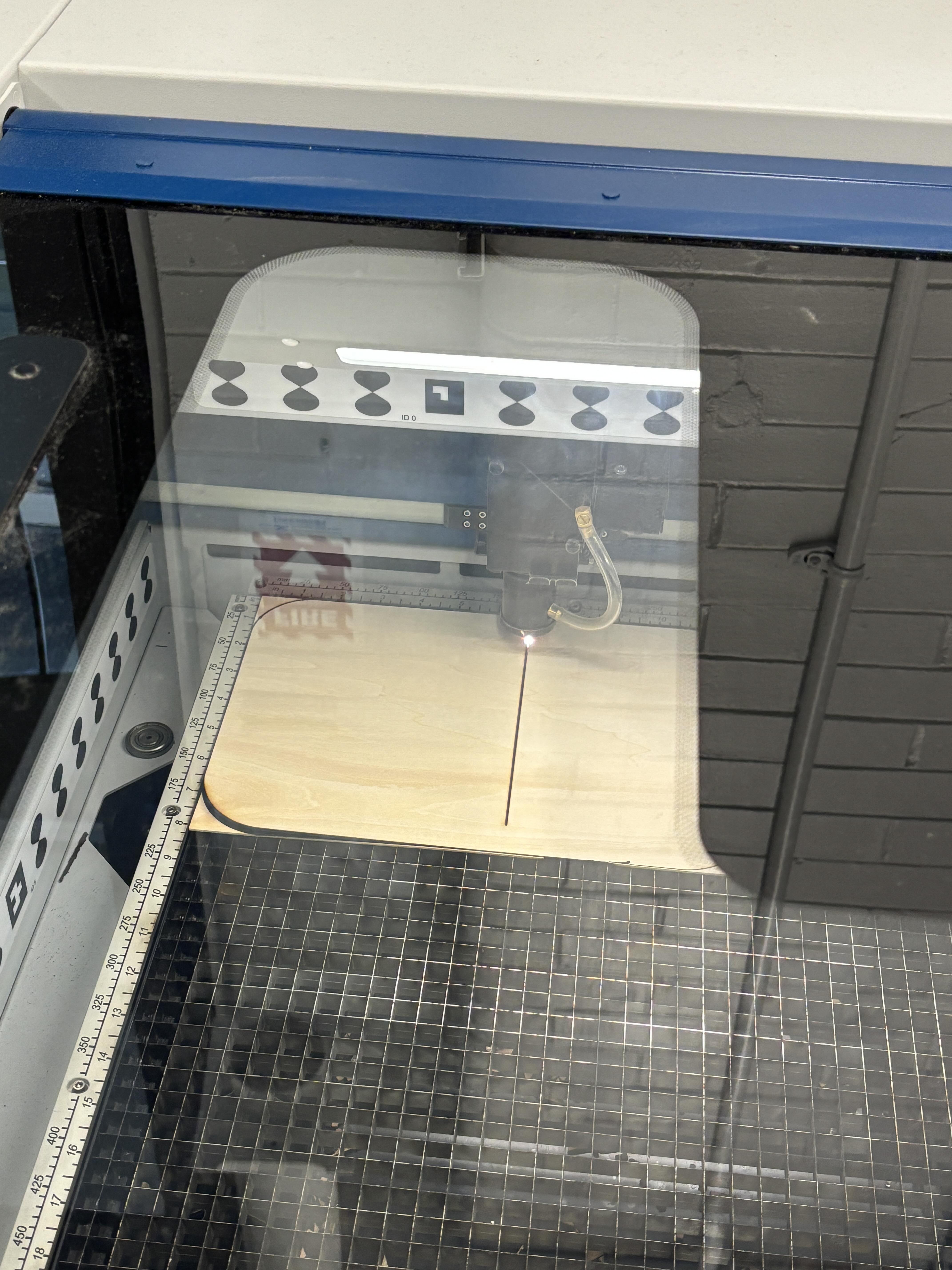
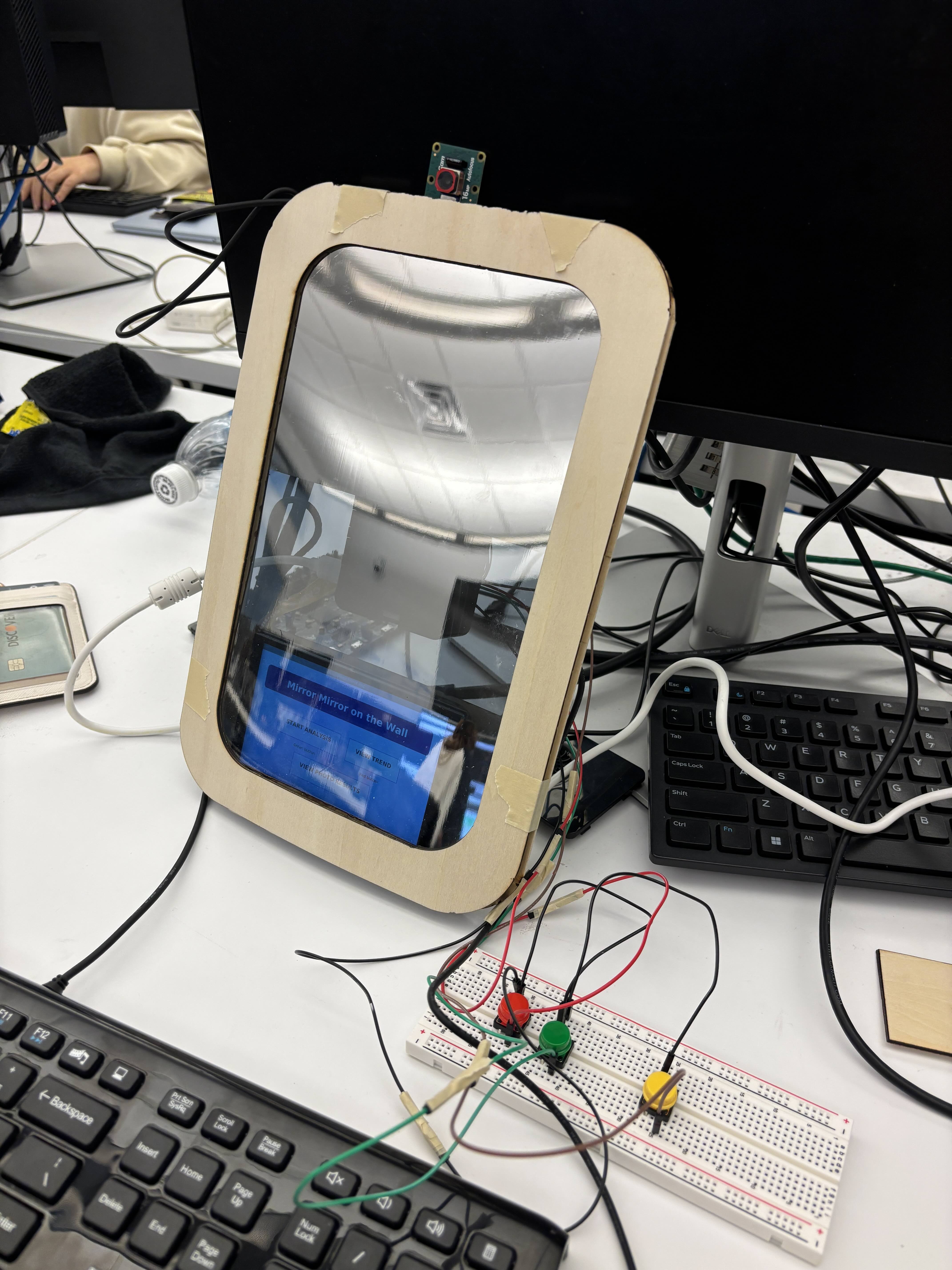
This week, I worked with Siena to fully integrate the models we got from Isaiah with the app and finalized our UI. The wrinkle model got added to our app, and we confirmed that all four conditions were detected during a user session. We also tested the inference latency of our models and succeeded in parallelizing the 4 different models to reduce our latency. We achieved a latency of about 1.5 seconds, which was bottlenecked by our slowest model (the burn model). I created a trend graph with the last 5 sessions for the 4 different conditions. When the user clicks on the dots  on the trend graph, it displays the photo result of that session.  I also continued working on the new CAD sketch for our physical design. We changed the physical design from last week, and focused on seamlessly integrating a larger display so that the user can more comfortable navigate around the touch screen display.

Schedule

I am pretty much on track. I just need to speed up the CAD design, but I think it would be done by early next week.

Next Week

We hope to get a larger display, build the full system once again, then start collecting data from our tests.


Corin’s Status Report for 11/15

Accomplishments

This week, I worked with Siena to modify our app. We added features to view the history of the user sessions (we added a view trend page that shows the past 5 analyses). We also added a mock recommendation system (based on the classification results, we display mock recommendations below each session results). We haven’t finalized the recommendation system yet because we’re still working on categorizing the different skin types based on the classification & confidence. We also added lighting to our product – this did make the input image better. Through testing, we also realized the distance to the camera also played significant role (the results were best when we were pretty close to the camera, less than 1ft).

I also planned out the new physical design we would implement if we were to change directions to a real mirror and a display underneath. A new CAD sketch is needed since the design would become slightly larger and a different frame is needed to accommodate the real mirror dimensions.

Schedule

I am on track!

Next Week

We hope to finalize our physical design and have the full physical product built. Siena and I will work on turning our mock recommendation system into a real one, and hopefully we will integrate all 4 models for skin analysis.

Corin’s Status Report for 11/8

Accomplishments

This week, our team started integrating all of our subsystems together. My job mainly was to assist Siena and Isaiah integrate the code they had for the camera + ml model to the mock app that I have previously built. I also quickly did a little bit of CAD work to laser cut the mirror frame. The wood we got was a bit smaller than we expected it to be, so I made a smaller version of the CAD sketches to make a prototype for our interim demo. I also added extra features to the app that we had before – Isaiah added code to outline the conditions on the image, and I added the feature on the app so that the user can view their picture with analysis on it.

Schedule

I am on schedule now. The next steps for me would be to modify the CAD so that we have a product that is well put together. I would also like to improve on the user experience (refining the app and the buttons).

Deliverables

Currently, we have a prototype with acne, sunburn, and oiliness analysis. Our next step is to add wrinkles as well and to improve the overall quality of our product with a better CAD design and lighting.

Corin’s Status Report for 11/1

Accomplishments

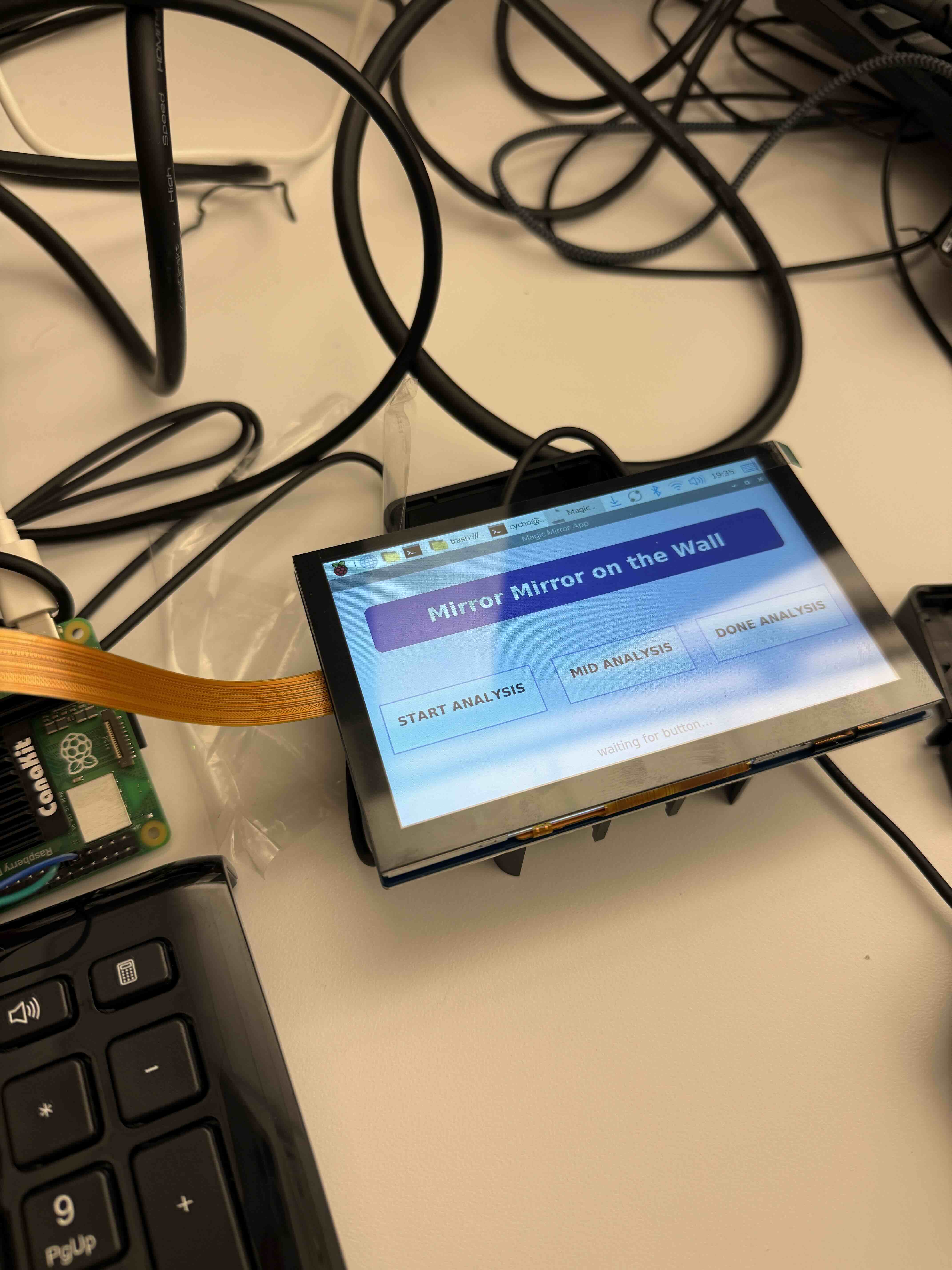
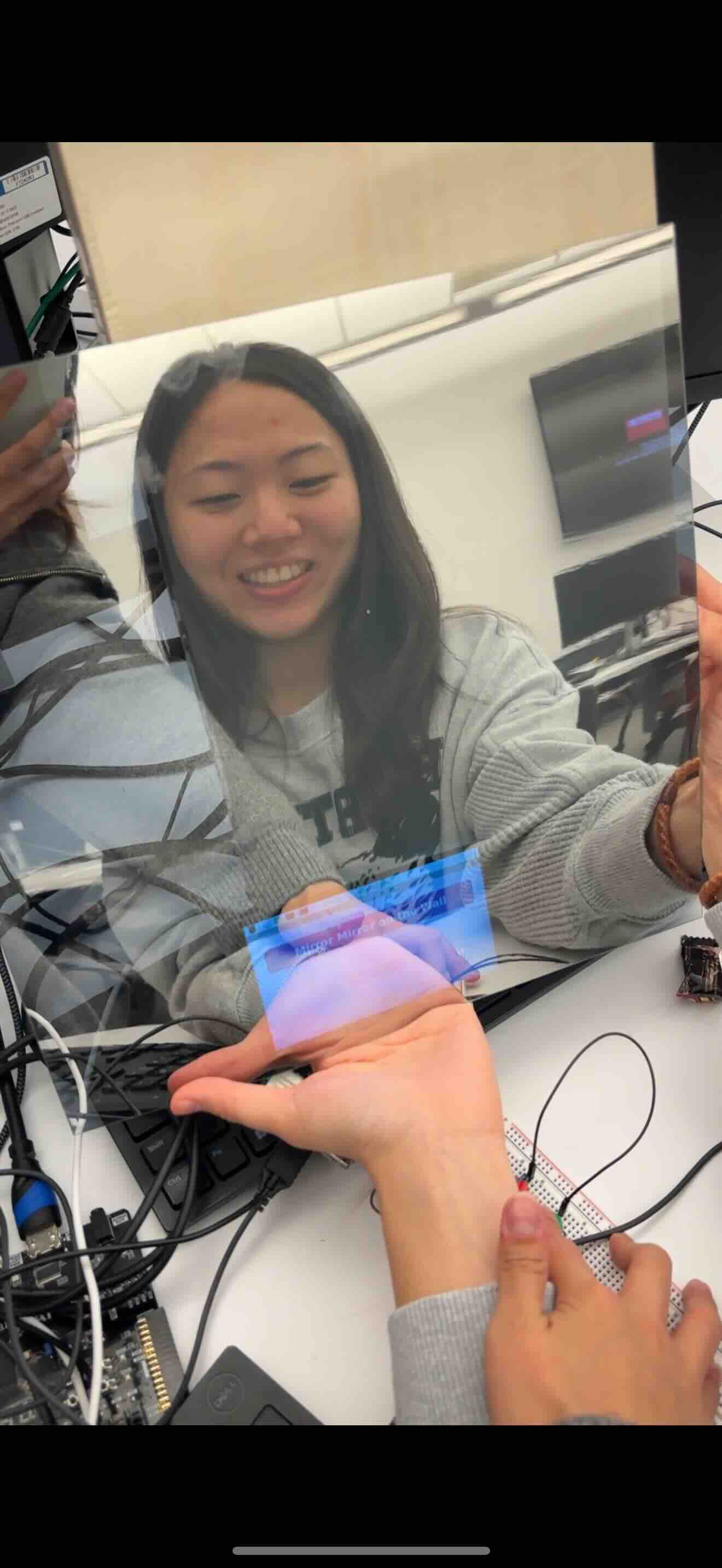
This week, all of our parts arrived on Thursday.  I connected the screen display to the RPI, so that we can see the mockup app on the display. I also connected two buttons(since we cannot touch the screen behind the mirror film), one to start the analysis and one to view the results of the analysis.  I continued working on the mock app, and included a view trend page that includes a chart based on a mock json file of the results of the analysis. I also checked that the screen was bright enough to be seen through our mirror film and that the user can also see themselves pretty well if we have a dark surface behind the mirror film. Siena and I wanted to work on combining the camera with our mirror app/button, such that when the button is pressed, the camera takes a picture and the user is notified that their analysis has begun. However, we had some problems working with the new camera, so we will have to continue working on it next week.

Schedule

I am mostly on schedule. Next week, I will need to work with both Isaiah and Siena to integrate the basics of the whole system for the demo. The goal is to at least have button –> camera snap —> model start —> model out —> results shown on the app.

Deliverables

The demo is next week, so our group wants to connect at least the functional parts together. We want a camera input, buttons to control the most basic start/view results, and an app to show our users our analysis.

Although the physical mirror is unavailable, we want the skeleton to be put together.


Corin’s Status Report for 10/25

Accomplishments

This week, my parts for the display did not arrive yet, so I just worked on the raspberry pi to experiment on some app setups and integrating a button. I hooked up a monitor with the RPI to experiment on the GUI – which will exactly be the same once our display arrives. We wanted the user to initiate the analysis and to know that s/he properly did. I connected the button to the RPI and coded up a very basic button – display interaction to test that the user interface is intuitive. We haven’t started integrating the camera yet, but the next step would be to also connect the button for image capture and to display done analysis and recommendations when our model is done.

Before Button Press

After Button Press

Schedule

Next week, I’m planning to work with Siena to first fully integrate the camera with button and the app, then I will work with Isaiah to start the later part of the app – displaying done & recommendations.


Deliverables

Hopefully a camera – button – app integrated system that acknowledges button_pressed, captures image, and signals mid analysis on the app. If time permits, also a done_analysis triggered by the model and recommendation page for the app.


Corin’s Status Report for 10/18

What did you personally accomplish this week on the project?

This week, we had to focus a lot on the design report. I wrote the abstract, introduction, user-case requirements, design requirements, and the hardware side of the design trade studies. I realized that we didn’t include design trade studies in our design presentation, and included tables in the design report to visualize our reasonings behind our component choices. 

For implementation, this week has been the slowest. I am still waiting on my LCD display to connect it to the RPI. Although I did some research on the app and recommender system last week, I realized that there needs to be more planning on the software side to really integrate the button -> camera -> ml model -> recommender system -> app. Therefore, I changed directions to set up the Raspberry pi and learn the different libraries for an easier integration.

Is your progress on schedule or behind?

My progress is behind. I am planning to ramp up the pace after break. The software integration needs more planning, and I will discuss with Siena and Isaiah after break to combine the software sections.

What deliverables do you hope to complete in the next week?

While planning and gradually combining the software side, I’m hoping that the rpi will be set up with basic components connected (button/display). Hopefully I can test the basic connections with a mock app or just python code. 


Corin’s Status Report for 10/4

What did you personally accomplish this week on the project?

This week, our team put in the orders for most of our design parts.

In terms of personal accomplishment, the progress was a bit slower because we took longer to put in our order. Instead of focusing on connecting the physical components, I started looking into constructing the recommender system and the on system app for the user interface. With siena’s list of skin care products and the outputted classification/confidence from Isaiah’s ml work, I started working on the recommender system.

I also looked into creating our on system app to display on the mirror. Both the recommender system and the on system app are in progress, but I hope to be able to have a mock display by next week.

I also thought it would be best to modify our CAD next week when we do get all our components and finalize our physical design.

Finally, we also spent time drafting our design report and working on the diagrams that will be added to our report.

Is your progress on schedule or behind?

My progress is slightly behind because we didn’t receive the parts except the camera and the board. However, because we are using a touch screen instead of the SPI LCD, we don’t need to spend much time on the communication between the RPI and the LCD but need to focus on creating the on-system app. This can be done without the LCD. I wouldn’t say we’re too behind, we just changed our schedule to focus on a different side of the project.

What deliverables do you hope to complete in the next week?

I would like to have code running for the recommendation system and to see if I can create a small mock app for our LCD. 

Corin’s Status Report for 9/27

What did you personally accomplish this week on the project?

This week, I mainly worked with the team to complete our overarching design. In the beginning of the week, all of us decided on using a RPI 5 as our main SBC board and realized that we wouldn’t need additional microcontrollers or accelerators for now. We decided that the RPI camera module 3 and the RPI 5 inch touch screen display would be best compatible with our RPI while satisfying the necessary requirements (size/resolution). Both Siena and I worked on planning out how all the different hardware components will be laid out. I also created a CAD model of our physical design, planning out the dimensions of the actual mirror (12inch * 8inch) and placing the camera, touch screen display, and RPI in positions such that all necessary connections can be made.

Is your progress on schedule or behind?

My progress is on schedule. Last week, I mentioned that I want to focus on the LCD display because I thought we might be using an LCD display connected via GPIO + a communication protocol like i2c. Since our group decided on a touch screen display connected via HDMI (micro HDMI), we don’t need to worry about the pinout or a separate communication protocol. However, we will have to think about launching an app on our RPI that will be displayed on our screen.

What deliverables do you hope to complete in the next week?

For next week, I would like to modify the CAD design to a more detailed level after receiving all of our parts. I would also like to connect the camera and LCD display to the RPI and test the input/output of the images to the processor and processor data to LCD display (although the latter I think might take more than a week to set up the app).


Corin’s Status Report for 9/20

What did you personally accomplish this week on the project? 

This week, I wanted to find a board that best suited our project. While Siena looked into raspberry pi boards, I looked into the Nvidia Jetson Orin Nano Super Developer Kit.

Below are the components of the board.

Price ($250)

I researched the basic setup that needs to be done when we get out board.

Hardware board setup: https://developer.nvidia.com/embedded/learn/get-started-jetson-orin-nano-devkit#intro

Software setup : Nvidia JetPack (software stack) – including Tesnsor RT, pytorch, etc

Choose to build project from source:

https://github.com/dusty-nv/jetson-inference/blob/master/docs/building-repo-2.md

After the steps above, pytorch will be installed, and either python or c++ can be used.

Below is a link to start coding our own image recognition program

https://github.com/dusty-nv/jetson-inference/blob/master/docs/imagenet-example-python-2.md


For a live camera demo, 

An MIPI CSI Camera can be used (port 9 of the board image above).

Raspberry Pi Camera Module 2 ($12)

AP-IMX290-MIPIYUVx1 – harder to buy

AP-IMX334-MIPIx1 – harder to buy

We can also use USB webcams  (port 6 of our board image above).

Logitec C270($22)

Logitec C920($60) 


For LCD, we can use 

7 Inch IPS LCD Touch Screen Display ($46) 

5 Inch IPS LCD Touch Screen Display ($40)

The one concern is that there aren’t many resources out there on LCD displays for Nvidia Jetson orin nano boards. I’m pretty sure the two displays above will work with the cable from DP-HDMI (jetson orin nano does not have an HDMI port, only a DP).

Another option is to use TFT LCDs and use the gpio pins on the board. This will be a cheap option for us, since the costs will be below $30, but the display will be small.

More research has to be done on how to communicate the output data to our LCD. Communication methods will vary based on the LCD we decide on.


Is your progress on schedule or behind?

My progress is pretty much on schedule, but I want to focus more on the LCD aspect next week. I want to decide which display our project will use (will it be connected via DP or GPIOs), and exactly how the software side should progress to deliver our output data to the display.


What deliverables do you hope to complete in the next week?

I hope to have chosen our board, and to have a plan on how the output data will be delivered to our LCD. I don’t think we’ll have our board by next week, but based on our board decision, I plan to look at the datasheets for hardware configuration of the LCD and research how the communication will work from the board to the display.